Your shop admin
Everything you need to run a shop, in a place you own.
Every plan is the same complete shop and the same admin. Here is what it looks like: real screens, from a demo shop, as they are today. Pick what you want, see what it will look like, press Use this, done.
Build your shop
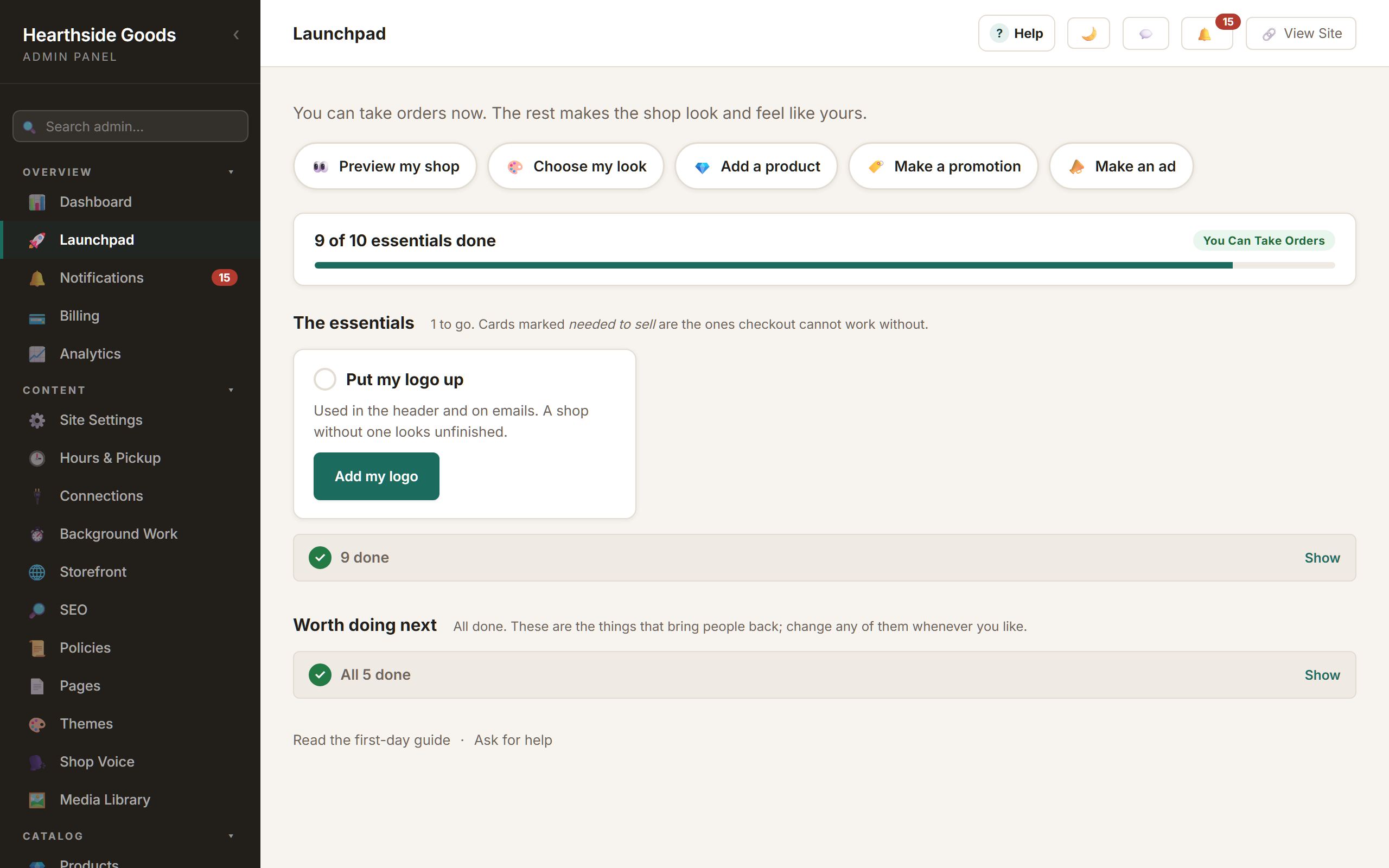
Start from what you want, not from settings.
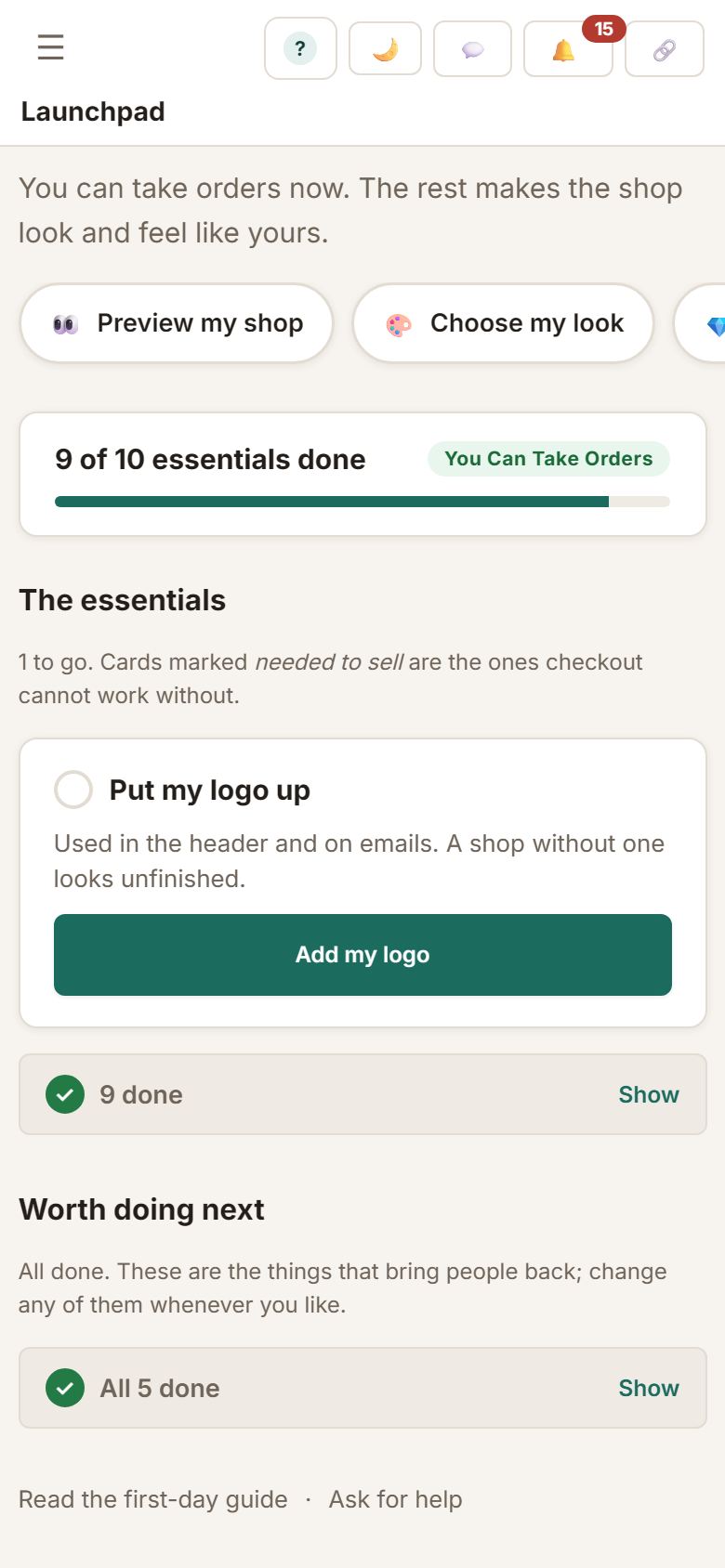
The Launchpad is one card per outcome: name my shop, put my logo up, tell customers how shipping works, choose how I get paid. Each opens the real control, each is ticked because the thing exists, and what is finished folds away so the next thing is always in front of you.
- A first product, a first shipping method and a first policy each start from a choice, with every field still yours to change
- Your shop right now: whether it is open, taking orders, and how customers pay
- Ten core looks, each previewed on your own shop before you save
- Seasonal themes on top, switched on when you want them
- Pages and policies that start from a shape and a few plain questions
Choose your look
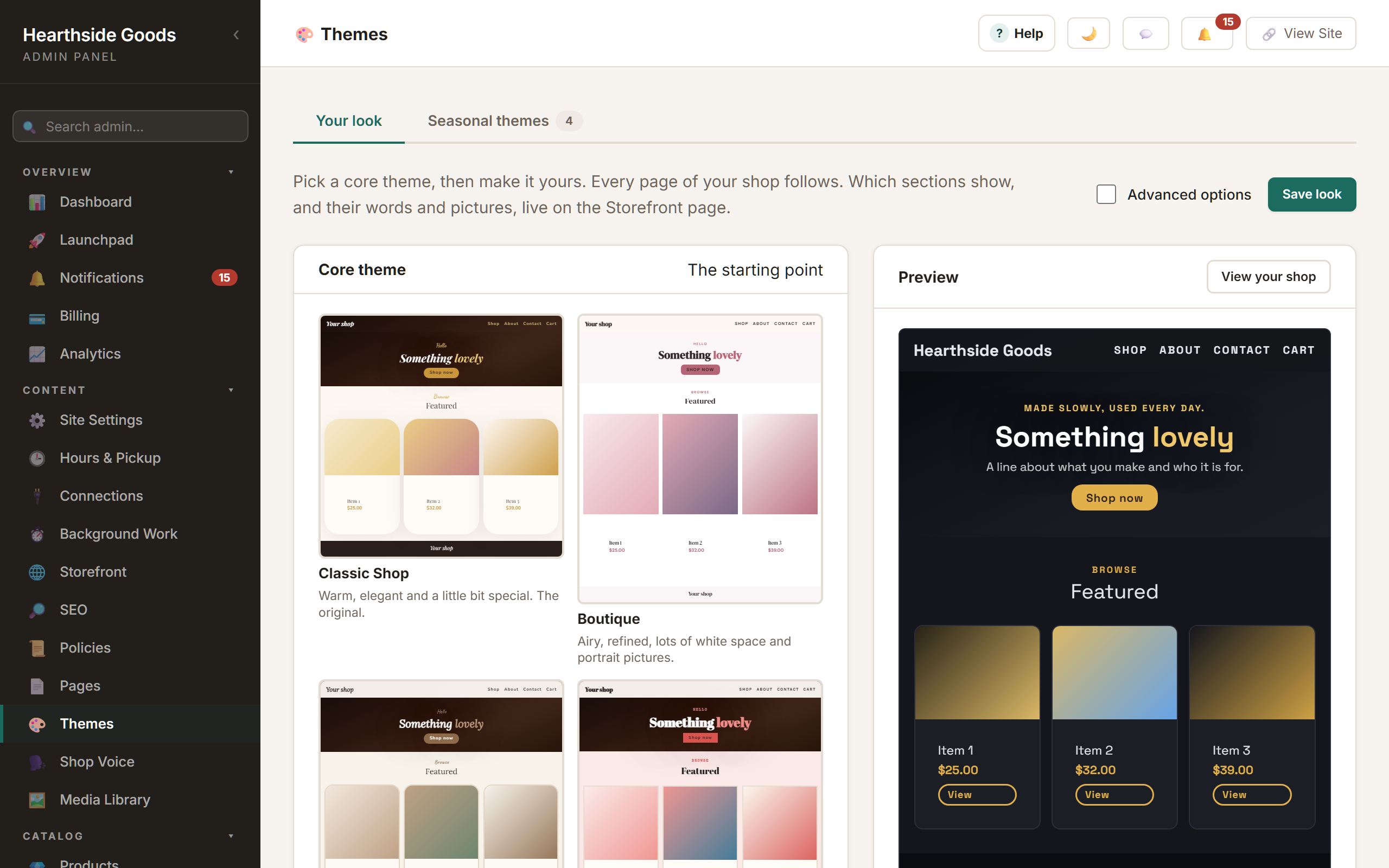
Pick a look, preview it, make it yours.
Themes shows every core look as a miniature of your own homepage, then lets you change the parts that matter with tiles and swatches. Advanced controls are there when you want them and out of the way when you do not.
- Classic, Boutique, Bold, Dark Modern and six more
- Your colours, your fonts, your header, previewed live
- Homepage sections switched on, filled in and put in your own order, starting from a layout
- Nothing changes on the shop until you press Save
Run your shop
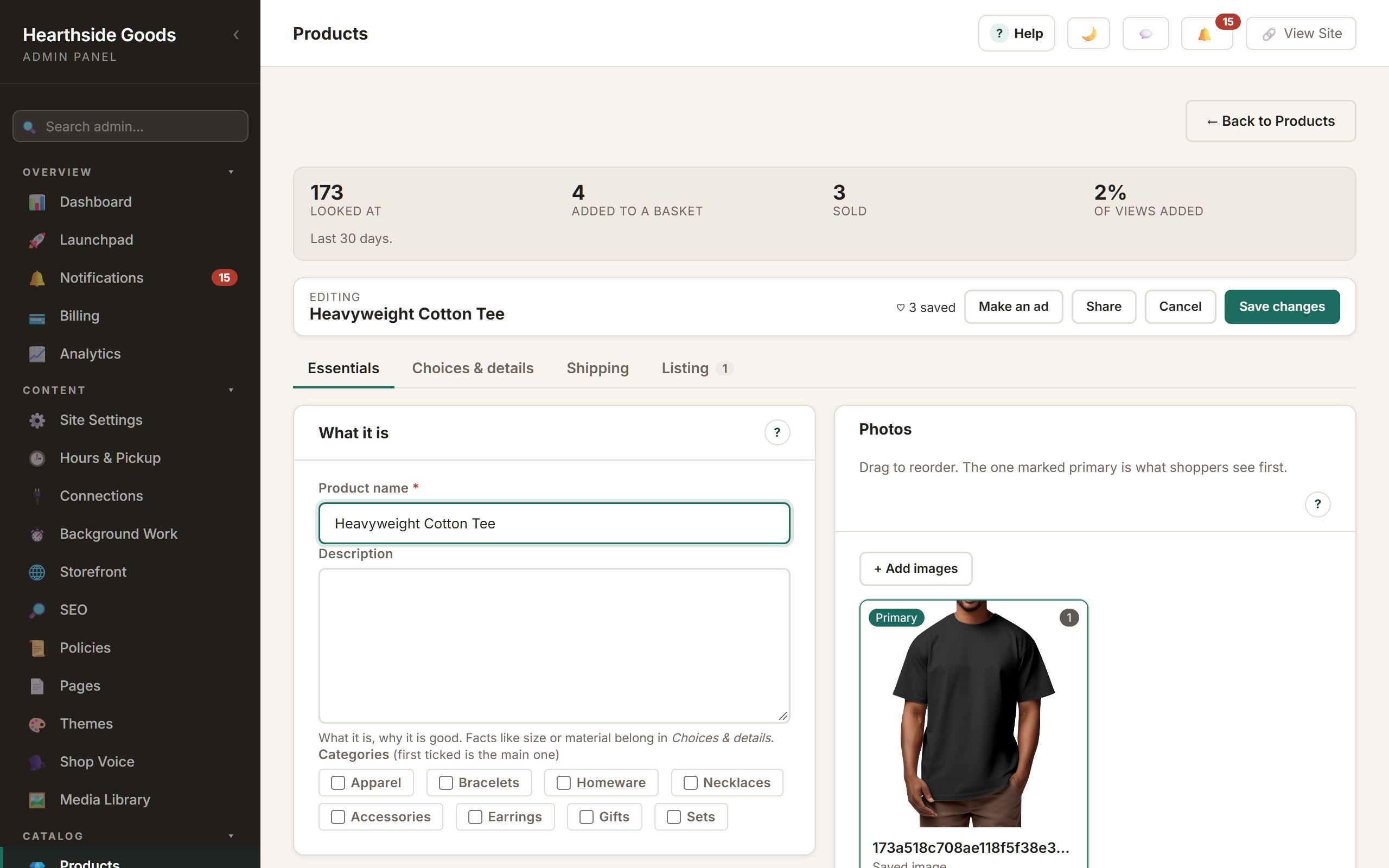
A product form that fits one screen, and orders that move.
Name, price, photos and stock are on the first panel, and a new product opens with just those; shipping sizes and search details are a switch and a tab away. Orders, fulfilment, returns, reviews and customers each have a page that says what needs you today, worst first.
- Products with options, conditions, sale prices and photo galleries
- Store orders, custom enquiries, returns and gift cards
- Shipping labels compared across connected carriers
- Opening hours and local pickup, shown on your shop
- A dashboard that opens on what needs you today
- Analytics counted by your own shop, with up to three suggestions of what to do next (a visitor's town comes from an outside location lookup)
Promote your shop
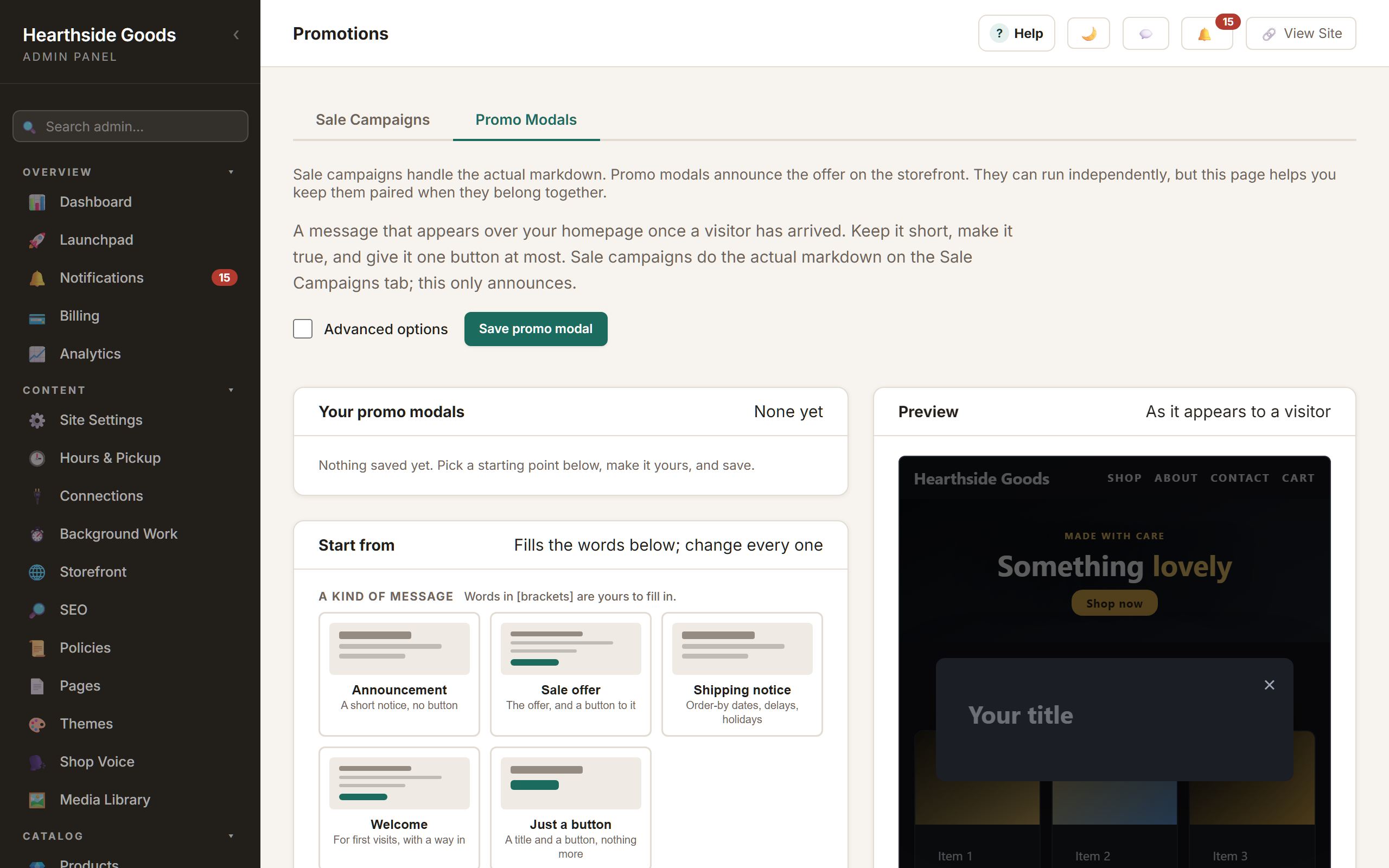
Sales, coupons and announcements that preview before they run.
A promotion is built the way a look is: pick a starting point, change the words, watch it on a sketch of your homepage, save. Sale campaigns do the markdown; promo messages announce it; coupons and gift cards have their own pages.
- Sale campaigns by product, category or the whole shop
- Promo messages with a live preview and a starting point for each kind
- Coupons with limits, gift cards, an email list and campaigns
Create content
A studio inside the shop.
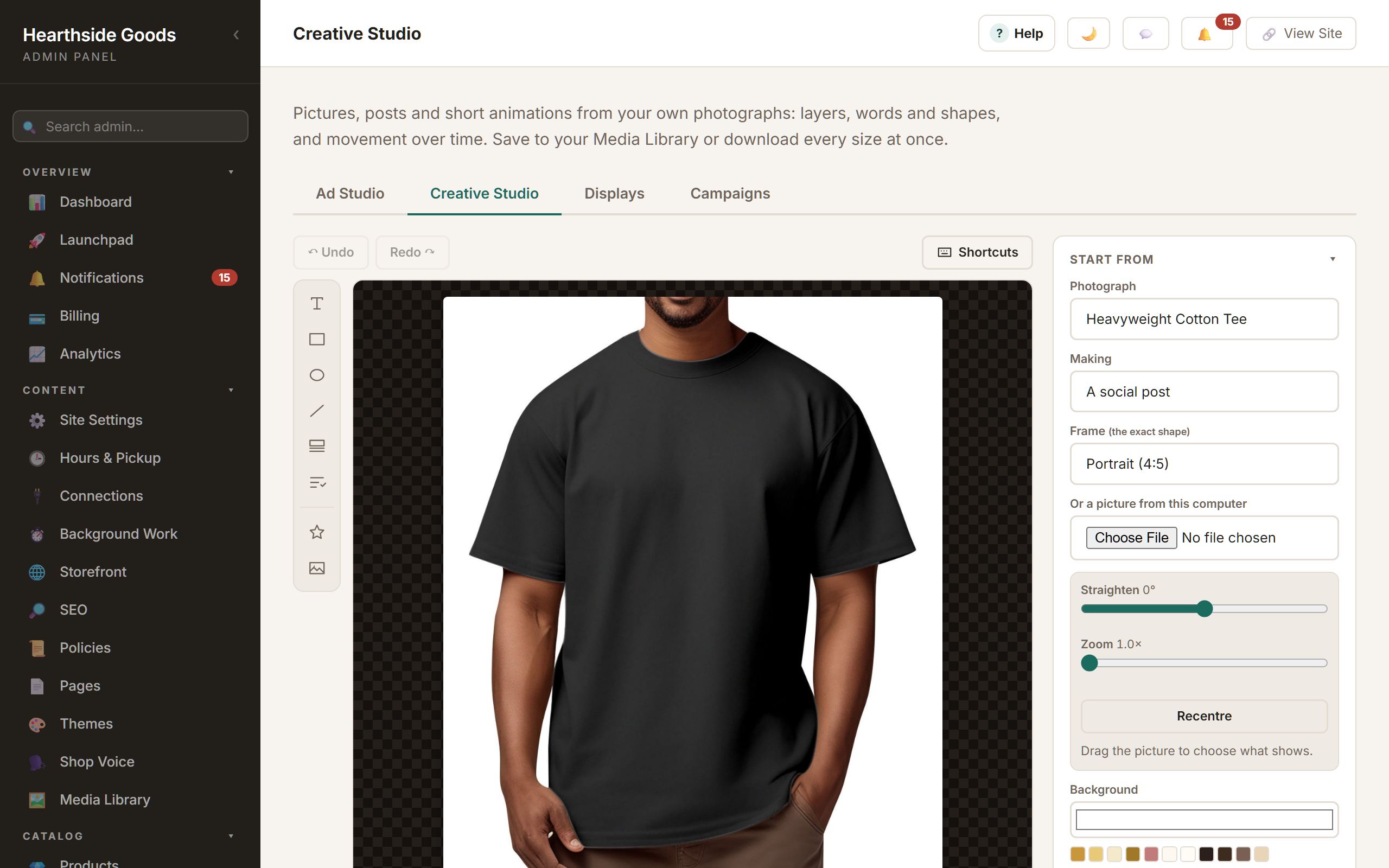
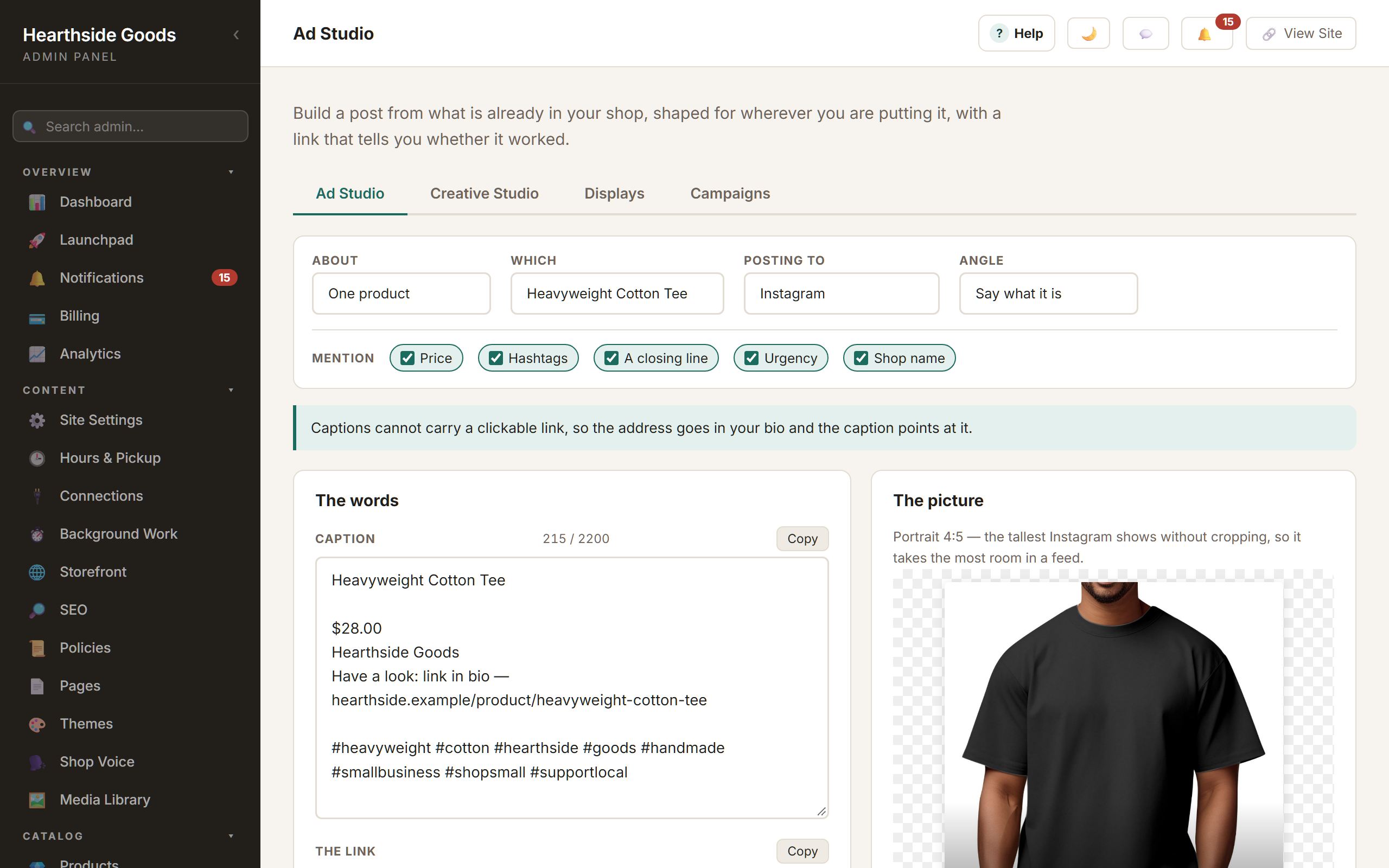
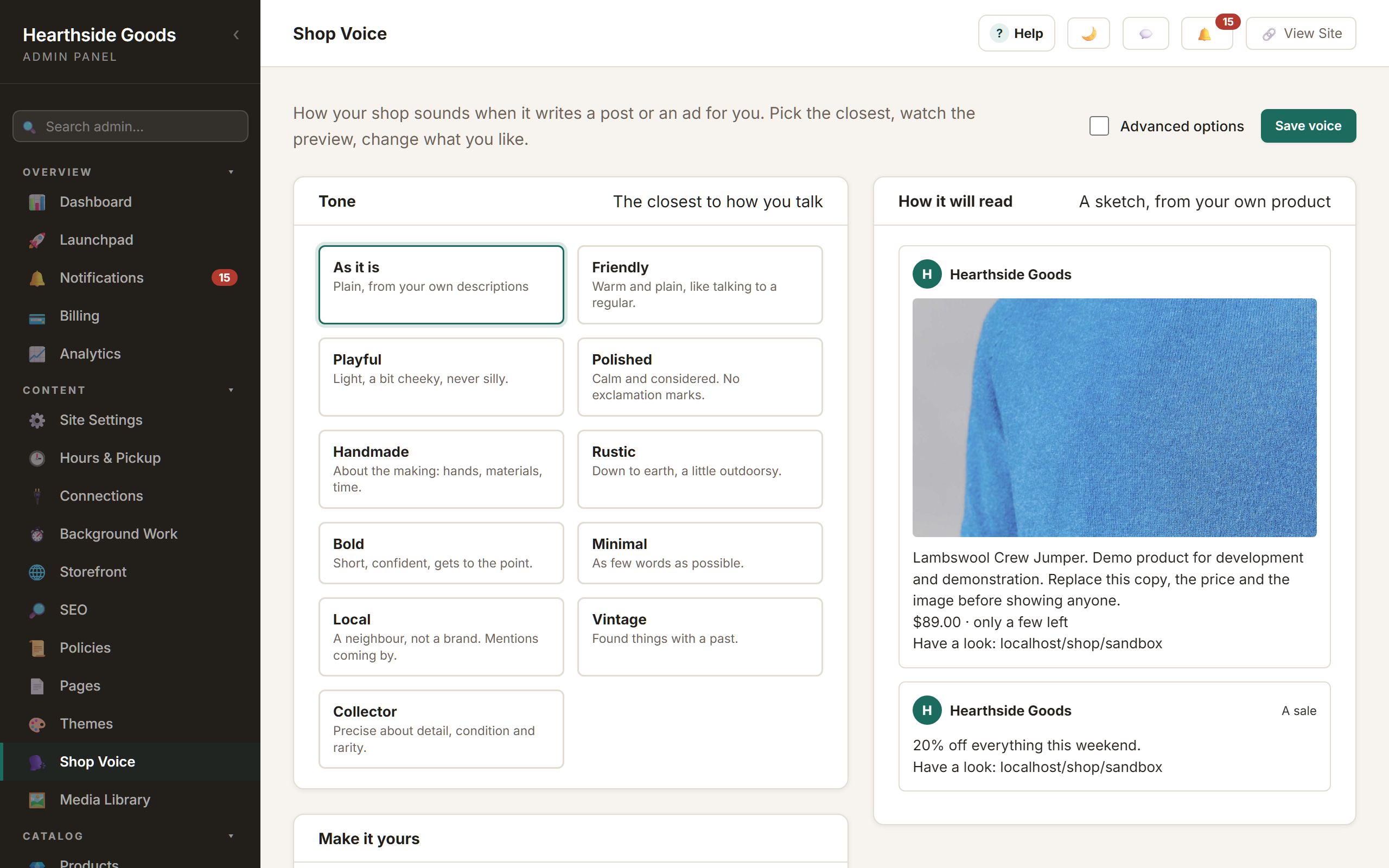
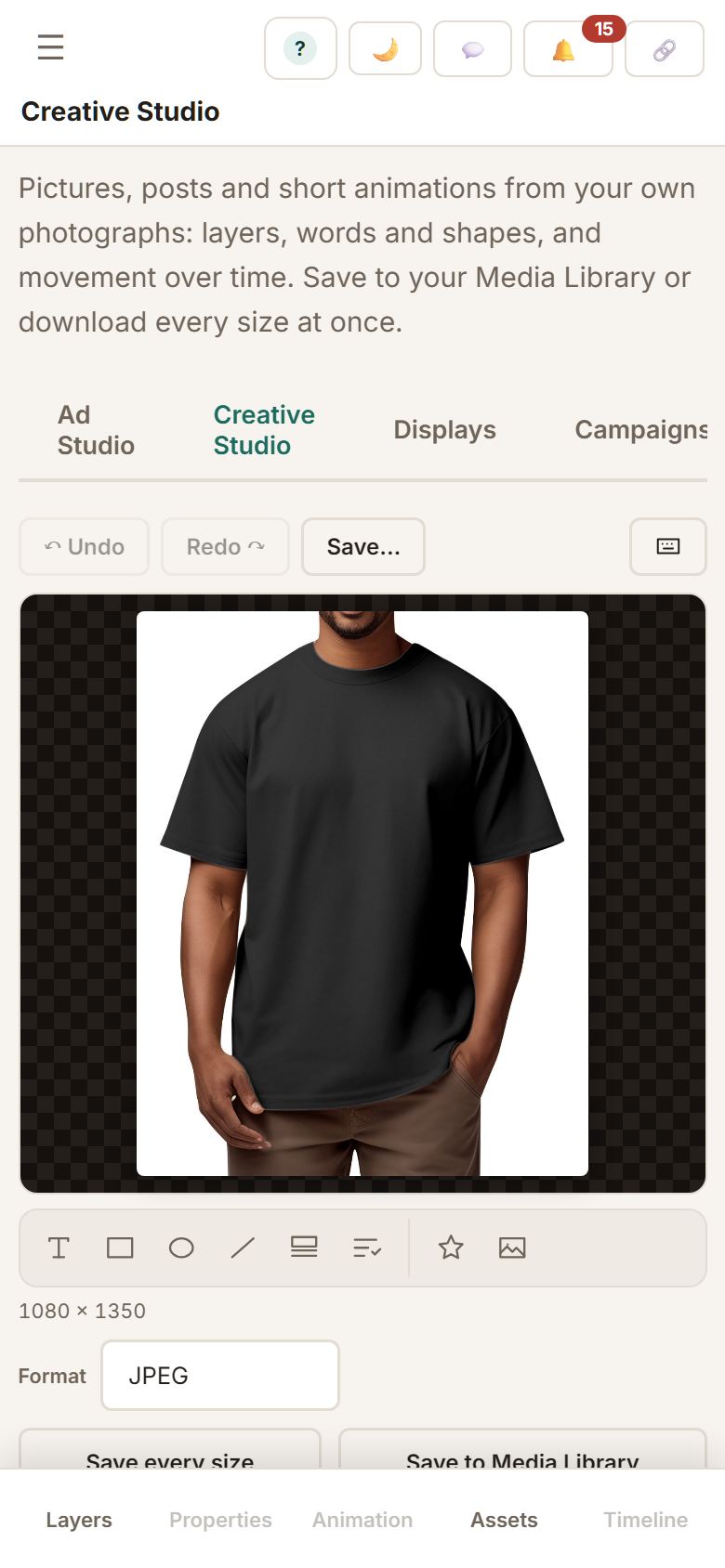
Creative Studio composes pictures, posts and short animations from your own photographs: layers, words, shapes, movement over time, a timeline with keyframes, all editable on a phone. Ad Studio writes the post for you from what the shop already knows and crops the picture to the platform.
- Creative Studio: layers, text, shapes, stickers, animation, timing, a timeline, keyframes, reusable saved work
- Ad Studio: product-aware captions per platform, your branding, a link that reports back, one click into Creative Studio
- Displays: point a television at an address and give it a lineup of pictures, Studio designs and boards (a product and its price, a running sale, your hours, a code to scan), each with how long it stays up and when it shows, kept up to date by the shop
- Screen starting points in Creative Studio: a product spotlight, a sale, a welcome, a thank-you
- One design, any product: a design whose price, photo, sale or opening hours are marked live keeps them current on the screen by itself, and the same design can be pointed at a different product on another screen
Plan what to share In development
Say what you want to promote. It drafts the rest.
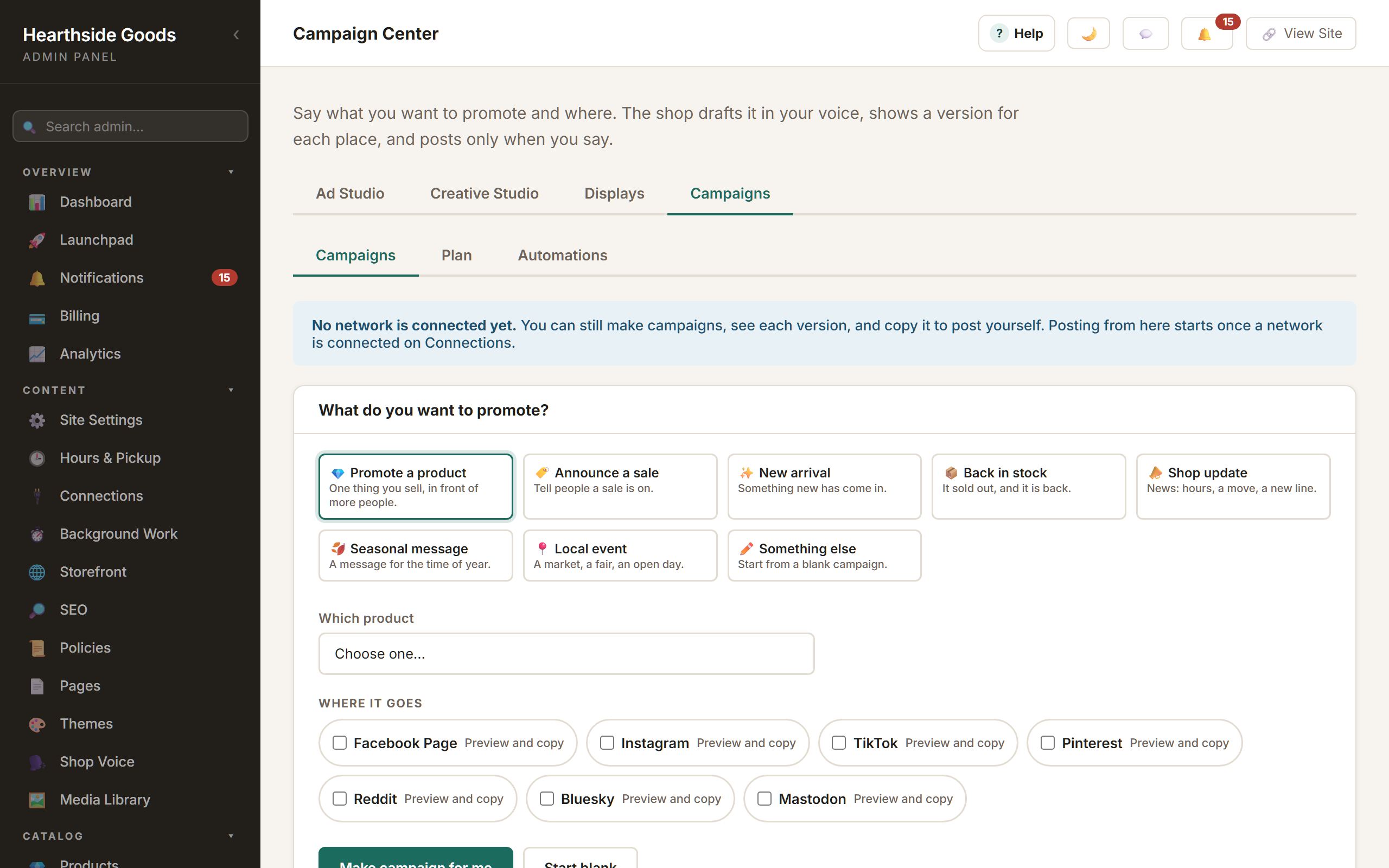
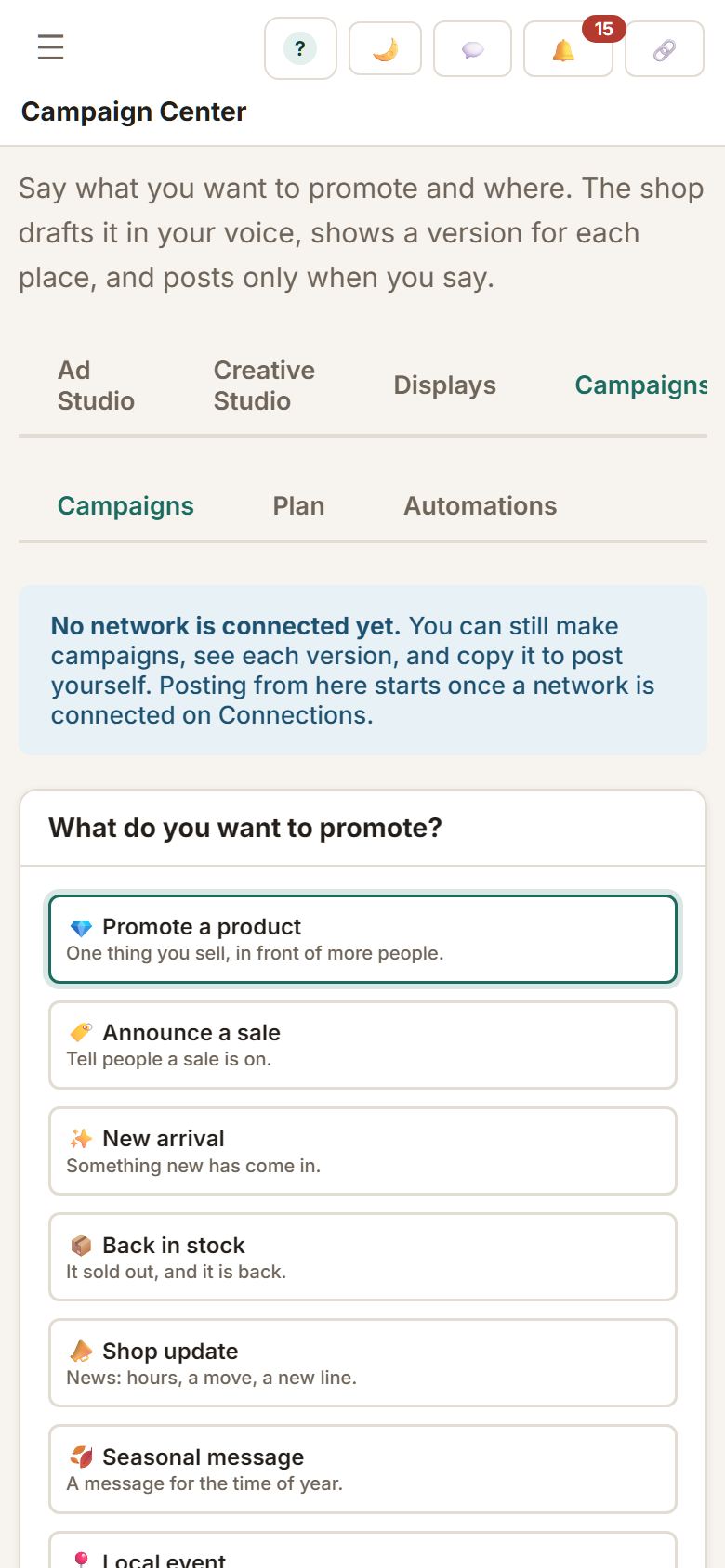
The Campaign Center starts from what you want to do: promote a product, announce a sale, back in stock, a local event. It writes a draft from your own products in your shop's voice, gives you a version shaped for each place you post, and shows what came back through each campaign's link. Today you copy each version and post it yourself; posting straight to the networks from here is being built.
- Make campaign for me: a goal, a product or sale, where it goes
- A version for each place, within that place's limits
- A plan by week, and drafts prepared when a sale starts or something comes back in stock
- Visits, baskets and orders from each campaign's own link, counted by your shop
Connect your tools
Your accounts, your choice.
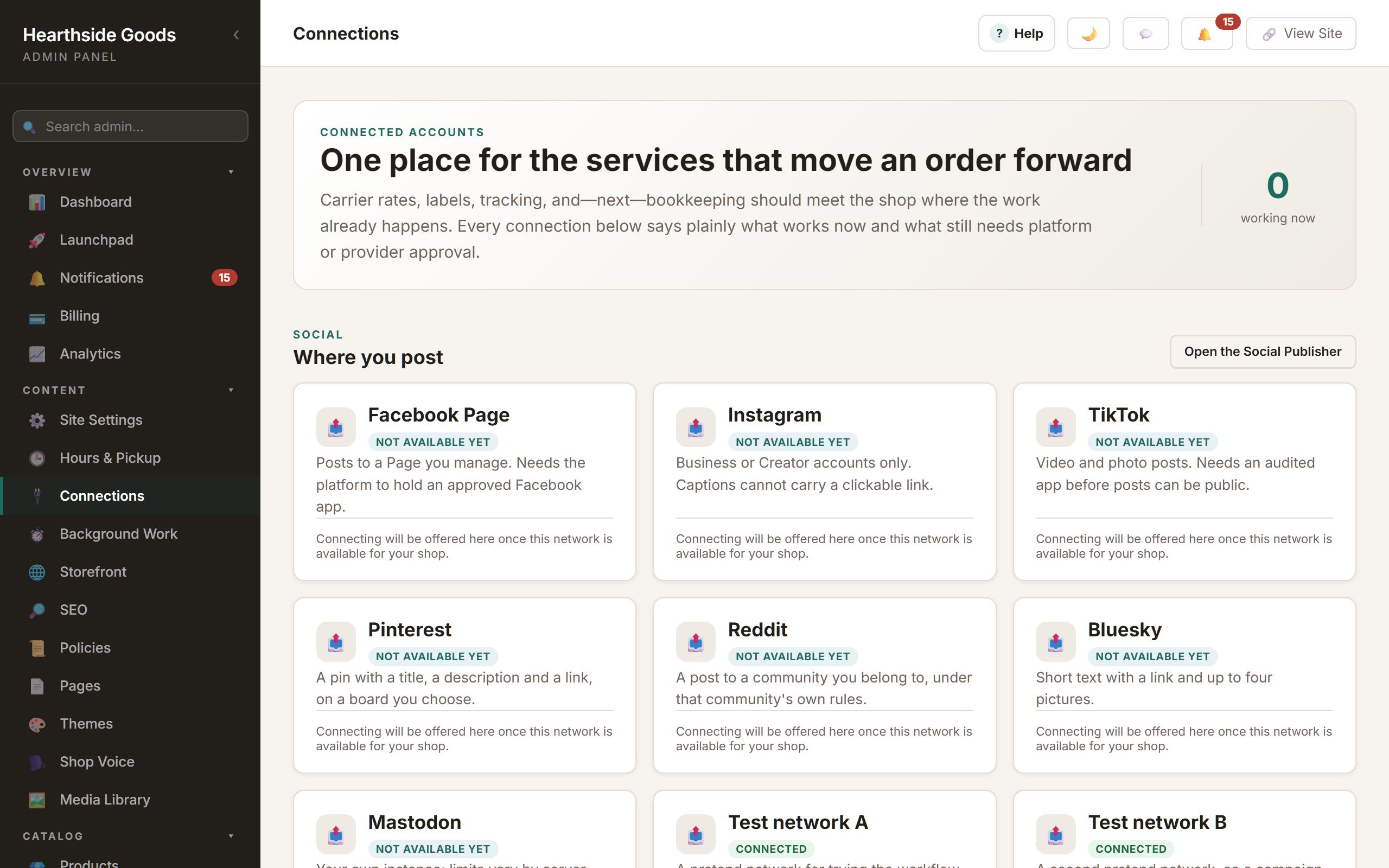
Money goes to your own PayPal or Stripe account and never passes through the platform. Carriers, a label service and bookkeeping connect on one page that says plainly what works now.
- PayPal, Stripe, or simply telling customers how to pay you
- USPS rates at checkout; UPS and FedEx rates being tested
- ShipStation for labels and tracking; the QuickBooks export being tested
- Every connection shows its state, and disconnecting asks you to mean it
On your phone
The same admin, one task at a time.
Nothing here is a desktop page squeezed onto a phone. The Launchpad is a column of cards with one button each. The Studio puts the stage first and slides every panel up from the bottom. Builders keep Save in reach and open the preview as a sheet.
How it is run
Independent, and left that way.
You get paid directly
Your customers pay your own PayPal or Stripe account. We do not sit between you and the money, and we do not add a percentage when something sells.
The marketplace stays fair
Every plan can be listed after review. Nobody can buy the top spot, and a bigger plan does not move a shop ahead of a smaller one.
No ad-tech following people around
We are not building advertising profiles from the people who visit. Your customer list is for running your shop, not for us to sell to somebody else.
You can take your work with you
Export your customers and shop data whenever you like. If the shop stops being right for you, we will not hold your work hostage on the way out.
No algorithm between you and your customers
Your shop is at its own address. Nobody decides whether people who go there see it, and the Marketplace, when you join it, orders shops fairly rather than by who paid.
The Marketplace is optional
Every plan can be listed after review, and a shop that would rather stand alone is a complete shop. Switch it on from Settings when you want it.
What is not here yet